On your PC
Your library, profiles, and settings are stored locally.
 ULTIMATE
Music player for Windows
A fast local player with a smart library, precise sound controls, and seamless transitions. No cloud account and no subscription.
Version 1.0.16 · Windows 10/11 · 64-bit
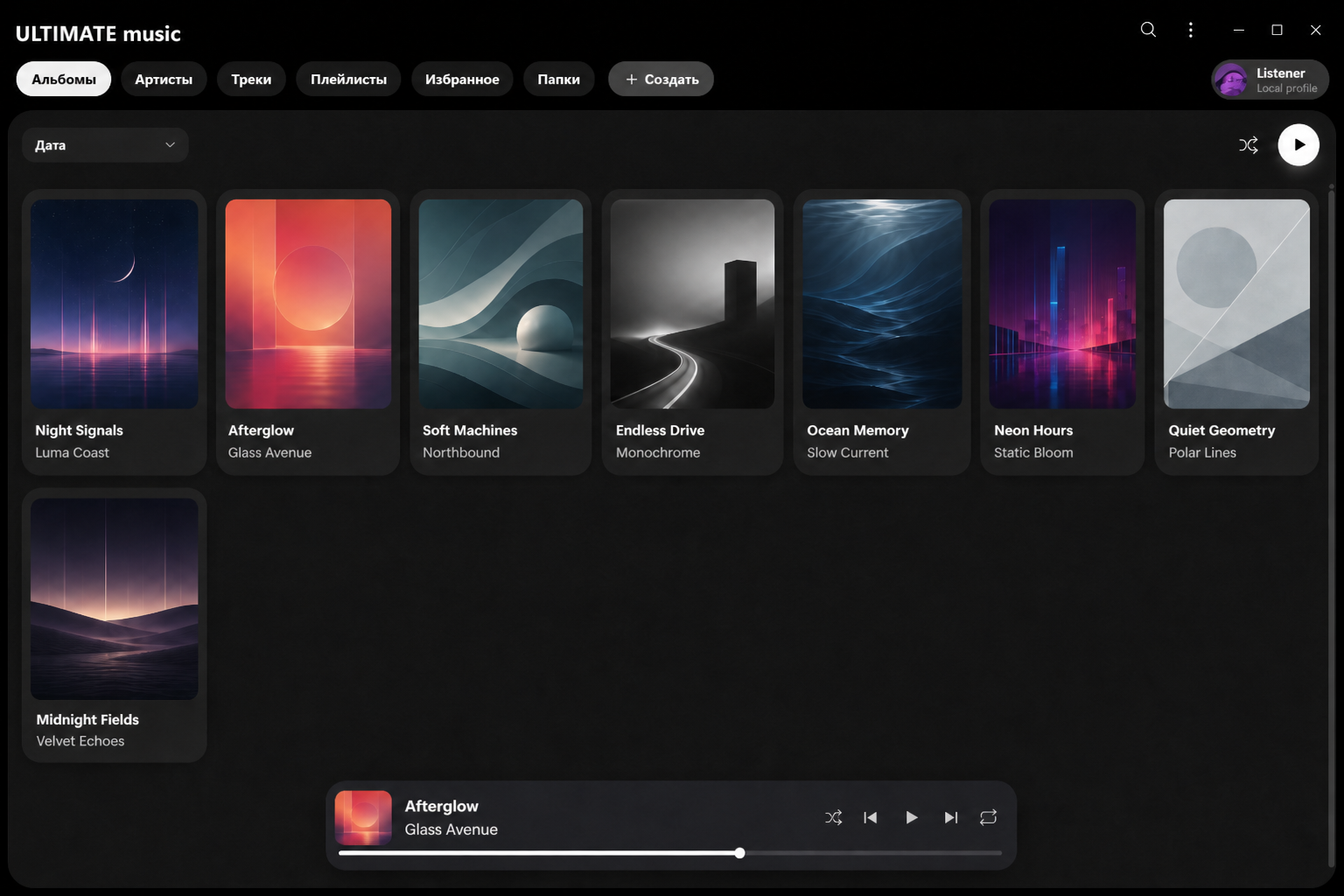
Local by default
ULTIMATE reads tracks directly from your drive. Files are never uploaded to the cloud, the library needs no registration, and uninstalling the player never touches your music.
Your library, profiles, and settings are stored locally.
Enjoy your collection without an internet connection or cloud services.
Every feature is available as soon as ULTIMATE is installed.
Features
From an automatic library to your own personal sound profile.
Scan entire drives or add individual folders. ULTIMATE organizes albums, artists, and artwork while filtering voice recordings and clutter.
10-band EQ, Smart Volume, headphone profiles, and output device selection.
Up to 12 seconds of crossfade with optional BPM-aware timing.
Separate themes, queues, history, and sound settings for every listener.
A mini player above other windows, tray controls, and media key support.
Getting started
Run the EXE and choose a folder.
Save your Master key.
Scan your drives or a folder.
Get in touch
Write to the ULTIMATE team. We welcome feedback, suggestions, and reports about your experience with the player.
Latest release
Installer for Windows 10 and Windows 11.
Your music collection is unchanged when you install or remove the app.